Insert Icons
ExpiredInsert icons in a custom module after the content has been deleted.
If you open a module and then save it, the content of the Joomla Editor may have been deleted. Joomla's Tiny Editor deletes all elements that it does not know.
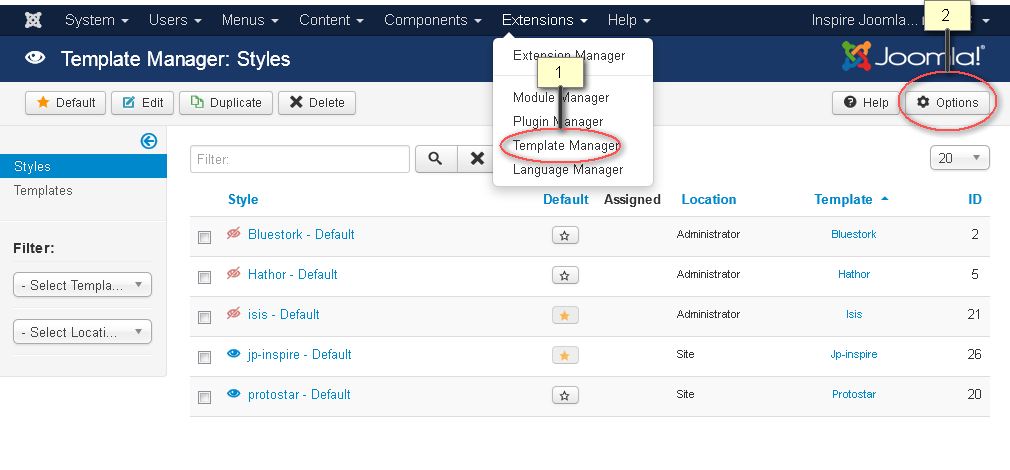
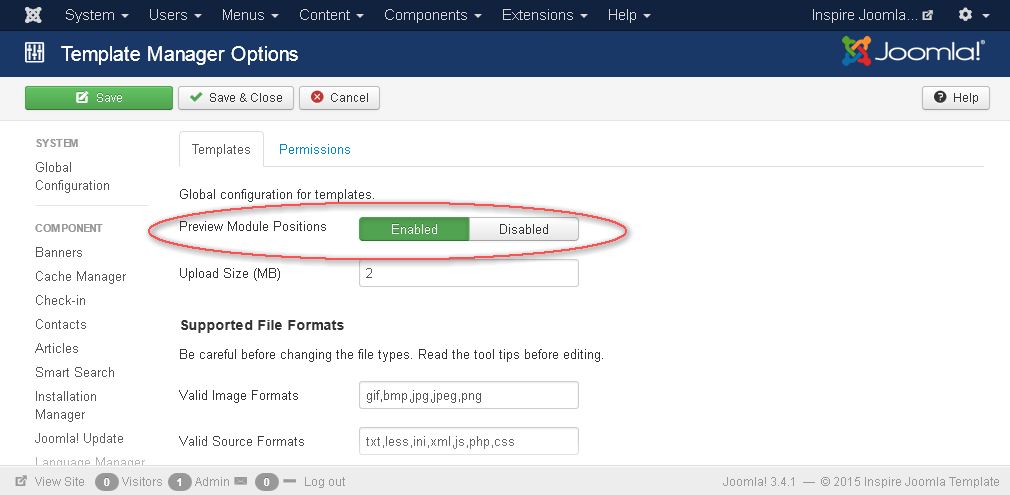
For this reason, please deactivate the editor as follows:
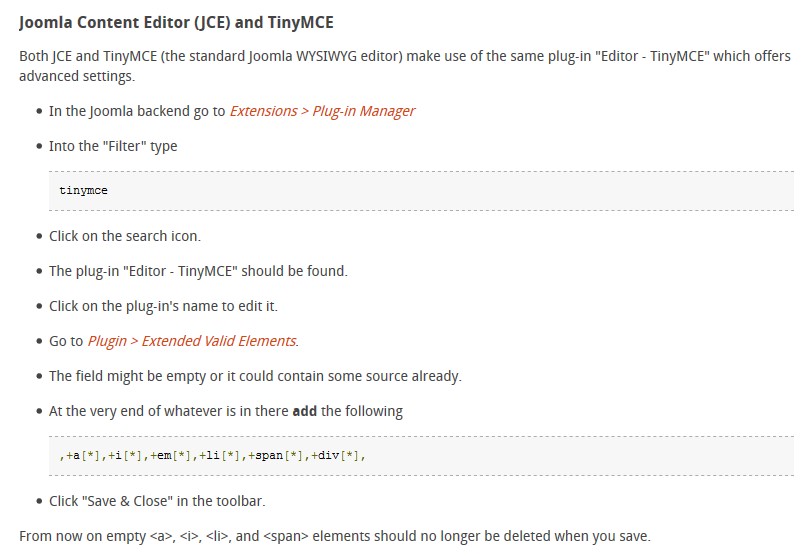
Now you can insert any HTML code you want.
As an example, here are the icons from Bootstrap, see picture
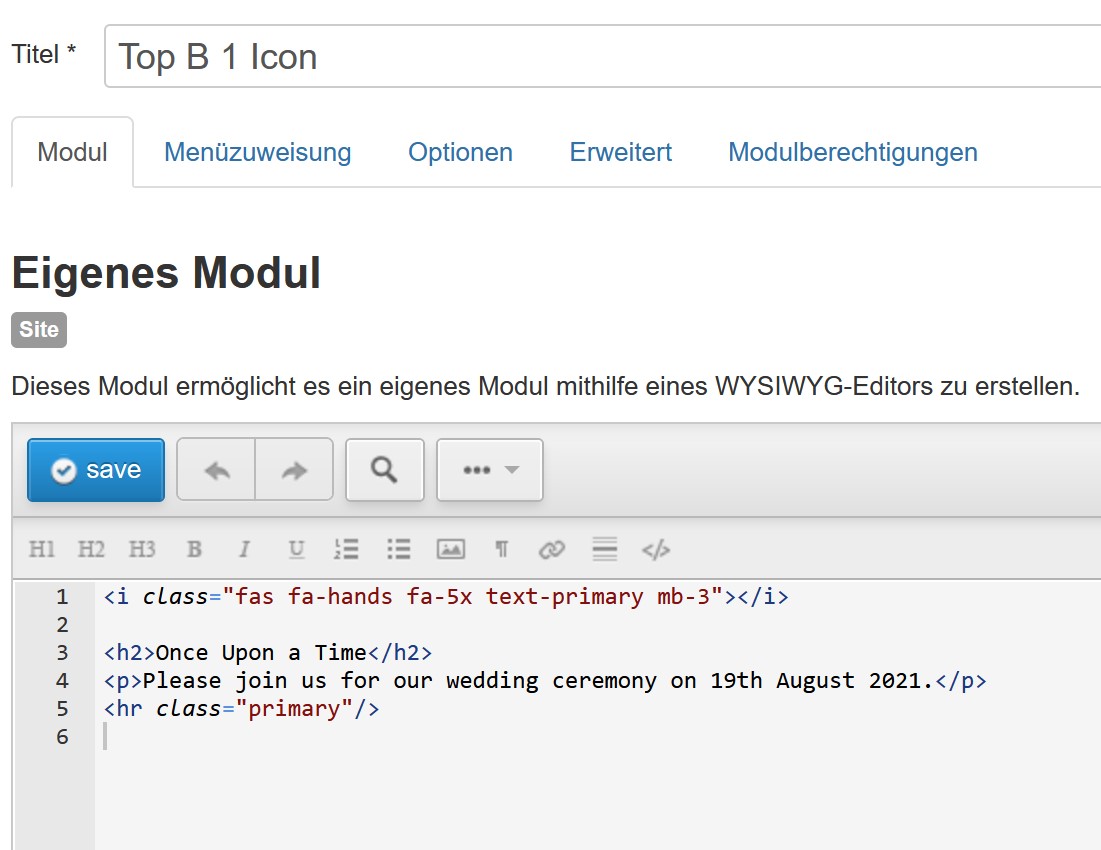
Erklarung
- i class = Font Awesome Icon
- mb-3 = Bootstrap Abstände
- text-primary = Bootstrap Farben